caleb
September 14, 2026, 3:18pm
1
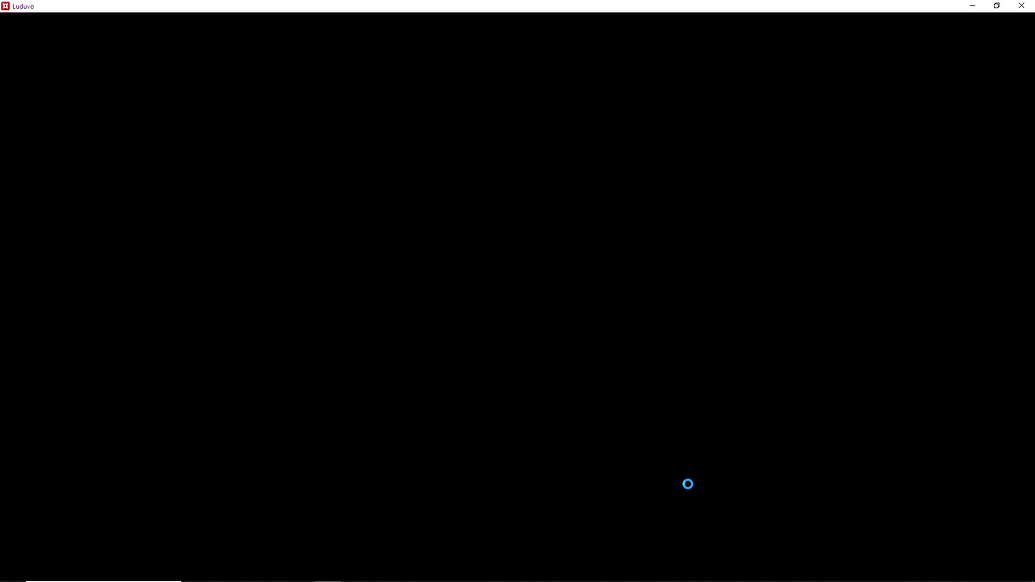
Every time I try to join a game or create a luduvo project , the screen becomes unresponsive and then closes.
The same thing also happens when i open a studio project.
I have DirectX 12
Please fix this issue , I’ve been trying to play and make games for 1 and a half day and this issue wont let me do it.
image:
Nikhil
September 14, 2026, 9:15pm
2
please share client.log and studio.log
should be in the same directory as the extracted engine
Starte
September 14, 2026, 9:37pm
3
This is recent in both Client.log and App:
2026-09-14 - 21:35:53.577 [WARNING] [vk] vkCreateGraphicsPipelines(): pCreateInfos[0].pVertexInputState Vertex attribute at location 1 not consumed by vertex shader.
2026-09-14 - 21:35:53.577 [WARNING] [vk] vkCreateGraphicsPipelines(): pCreateInfos[0].pVertexInputState Vertex attribute at location 2 not consumed by vertex shader.
2026-09-14 - 21:35:53.578 [WARNING] [vk] vkCreateGraphicsPipelines(): pCreateInfos[0].pVertexInputState Vertex attribute at location 1 not consumed by vertex shader.
2026-09-14 - 21:35:53.578 [WARNING] [vk] vkCreateGraphicsPipelines(): pCreateInfos[0].pVertexInputState Vertex attribute at location 2 not consumed by vertex shader.
Nikhil
September 14, 2026, 9:43pm
4
this doesnt help with the bug :
share the full log (omit information you deem personal)
Starte
September 14, 2026, 10:38pm
5
My bad:
2026-09-14 - 21:35:51.676 [INFO] Luduvo 43-dirty (e7d3dbe97aab) sha=e7d3dbe97aab network_epoch=38 schema=0x63d6c59a65f6b6e0 project_format=27 (min 27)
2026-09-14 - 21:35:51.950 [INFO] OpenAL: device=OpenAL Community renderer=OpenAL Soft stream=callback
2026-09-14 - 21:35:51.950 [INFO] IP: 23.17°S 132.27°E, Port: 0.65535
2026-09-14 - 21:35:51.970 [INFO] content store fetches from https://api.luduvo.com into C:\Users\Admin\AppData\Roaming\Luduvo\Client\content
2026-09-14 - 21:35:53.221 [INFO] content store: version 7 is ready, current names it
2026-09-14 - 21:35:53.241 [INFO] client content: version 7 from C:\Users\Admin\AppData\Roaming\Luduvo\Client\content
2026-09-14 - 21:35:53.287 [INFO] Window created. 1 pixel density, 1.25 display scale
2026-09-14 - 21:35:53.314 [INFO] [vk] available instance layers: 10
2026-09-14 - 21:35:53.318 [INFO] [vk] available instance extensions: 13
2026-09-14 - 21:35:53.318 [INFO] [vk] loader API 1.4.357
2026-09-14 - 21:35:53.318 [INFO] [vk] requested instance API 1.3.0
2026-09-14 - 21:35:53.318 [INFO] [vk] validation requested=true enabled=true
2026-09-14 - 21:35:53.318 [INFO] [vk] debug utils enabled=true
2026-09-14 - 21:35:53.360 [INFO] [adapter 0] AMD Radeon™ Graphics (Integrated, vendor=0x1002 device=0x164c, 2048 MB)
2026-09-14 - 21:35:53.360 [INFO] Selected adapter 0: AMD Radeon™ Graphics (Integrated)
2026-09-14 - 21:35:53.360 [INFO] [vk] conservative raster: true, fragment barycentric: true
2026-09-14 - 21:35:53.360 [INFO] [vk] device API 1.3.260
2026-09-14 - 21:35:53.360 [INFO] [vk] driver version 8388887
2026-09-14 - 21:35:53.360 [INFO] [vk] selected device: AMD Radeon™ Graphics (Integrated, vendor=0x1002 device=0x164c, 2048 MB)
2026-09-14 - 21:35:53.360 [INFO] [vk] pipelineCacheUUID=72aaeb2fd66158399e8e3617784aa741
2026-09-14 - 21:35:53.360 [INFO] [vk] memory heaps: 3
2026-09-14 - 21:35:53.360 [INFO] [vk] memory types: 16
2026-09-14 - 21:35:53.360 [INFO] [vk] device extensions: 148
2026-09-14 - 21:35:53.360 [INFO] [vk] queue families: 3
2026-09-14 - 21:35:53.384 [INFO] Renderer: NVRHI validation layer disabled
2026-09-14 - 21:35:53.387 [INFO] [vk] swapchain present mode: FIFO
2026-09-14 - 21:35:53.417 [INFO] Renderer: max_textures=1024 (GPU reports 4294967295)
2026-09-14 - 21:35:53.419 [INFO] Renderer up: 1920x991, 2 swap images
2026-09-14 - 21:35:53.577 [WARNING] [vk] vkCreateGraphicsPipelines(): pCreateInfos[0].pVertexInputState Vertex attribute at location 1 not consumed by vertex shader.
2026-09-14 - 21:35:53.577 [WARNING] [vk] vkCreateGraphicsPipelines(): pCreateInfos[0].pVertexInputState Vertex attribute at location 2 not consumed by vertex shader.
2026-09-14 - 21:35:53.578 [WARNING] [vk] vkCreateGraphicsPipelines(): pCreateInfos[0].pVertexInputState Vertex attribute at location 1 not consumed by vertex shader.
2026-09-14 - 21:35:53.578 [WARNING] [vk] vkCreateGraphicsPipelines(): pCreateInfos[0].pVertexInputState Vertex attribute at location 2 not consumed by vertex shader.
Starte
September 15, 2026, 9:51am
8
In your File Explorer, there is a folder called ‘windows-x86_64’. You maybe putted on Downloads section of your File explorer.
caleb
September 15, 2026, 10:11am
9
alr
2026-09-14 - 09:20:14.646 [INFO] Luduvo 42-dirty (70a21e3f5edf) sha=70a21e3f5edf network_epoch=38 schema=0x63d6c59a65f6b6e0 project_format=27 (min 27)
2026-09-14 - 09:20:15.039 [INFO] OpenAL: device=OpenAL Community renderer=OpenAL Soft stream=callback
2026-09-14 - 09:20:15.040 [INFO] IP: -------------------------- Port: --------------
2026-09-14 - 09:20:15.113 [INFO] content store fetches from https://api.luduvo.com into C:\Users\xCE\x9C\xCE\x91\xCE\xA1\xCE\x99\xCE\x9D\xCE\x91\AppData\Roaming\Luduvo\Client\content
2026-09-14 - 09:20:15.876 [WARNING] content store: cannot create C:\Users\xCE\x9C\xCE\x91\xCE\xA1\xCE\x99\xCE\x9D\xCE\x91\AppData\Roaming\Luduvo\Client\content\versions\6
2026-09-14 - 09:20:21.535 [WARNING] content store: cannot create C:\Users\xCE\x9C\xCE\x91\xCE\xA1\xCE\x99\xCE\x9D\xCE\x91\AppData\Roaming\Luduvo\Client\content\versions\6
2026-09-14 - 09:20:27.174 [WARNING] content store: cannot create C:\Users\xCE\x9C\xCE\x91\xCE\xA1\xCE\x99\xCE\x9D\xCE\x91\AppData\Roaming\Luduvo\Client\content\versions\6
2026-09-14 - 09:20:30.146 [WARNING] content: no fresh version from https://api.luduvo.com ; using what C:\Users\xCE\x9C\xCE\x91\xCE\xA1\xCE\x99\xCE\x9D\xCE\x91\AppData\Roaming\Luduvo\Client\content holds
2026-09-14 - 09:20:30.220 [INFO] client content: version 5 from C:\Users\xCE\x9C\xCE\x91\xCE\xA1\xCE\x99\xCE\x9D\xCE\x91\AppData\Roaming\Luduvo\Client\content
2026-09-14 - 09:20:30.319 [INFO] Window created. 1 pixel density, 1.25 display scale
2026-09-14 - 09:20:30.369 [INFO] [vk] available instance layers: 3
2026-09-14 - 09:20:30.385 [INFO] [vk] available instance extensions: 13
2026-09-14 - 09:20:30.387 [INFO] [vk] loader API 1.3.250
2026-09-14 - 09:20:30.387 [INFO] [vk] requested instance API 1.3.0
2026-09-14 - 09:20:30.387 [INFO] [vk] validation requested=true enabled=false
2026-09-14 - 09:20:30.387 [INFO] [vk] debug utils enabled=true
2026-09-14 - 09:20:30.446 [INFO] [adapter 0] AMD Radeon™ Vega 8 Graphics (Integrated, vendor=0x1002 device=0x15dd, 1024 MB)
2026-09-14 - 09:20:30.446 [INFO] Selected adapter 0: AMD Radeon™ Vega 8 Graphics (Integrated)
2026-09-14 - 09:20:30.448 [INFO] [vk] conservative raster: true, fragment barycentric: true
2026-09-14 - 09:20:30.448 [INFO] [vk] device API 1.3.260
2026-09-14 - 09:20:30.448 [INFO] [vk] driver version 8388887
2026-09-14 - 09:20:30.448 [INFO] [vk] selected device: AMD Radeon™ Vega 8 Graphics (Integrated, vendor=0x1002 device=0x15dd, 1024 MB)
2026-09-14 - 09:20:30.448 [INFO] [vk] pipelineCacheUUID=5f18ad09864e5ca79560de3272738624
2026-09-14 - 09:20:30.448 [INFO] [vk] memory heaps: 3
2026-09-14 - 09:20:30.448 [INFO] [vk] memory types: 16
2026-09-14 - 09:20:30.448 [INFO] [vk] device extensions: 148
2026-09-14 - 09:20:30.448 [INFO] [vk] queue families: 3
2026-09-14 - 09:20:30.482 [INFO] Renderer: NVRHI validation layer disabled
2026-09-14 - 09:20:30.485 [INFO] [vk] swapchain present mode: FIFO
2026-09-14 - 09:20:30.519 [INFO] Renderer: max_textures=1024 (GPU reports 4294967295)
2026-09-14 - 09:20:30.521 [INFO] Renderer up: 1920x1001, 2 swap images
Starte
September 15, 2026, 11:21am
10
Try this:
Delete the whole ‘content’ folder, in: C:\Users\xCE\x9C\xCE\x91\xCE\xA1\xCE\x99\xCE\x9D\xCE\x91\AppData\Roaming\Luduvo\Client
Put it on the tab research(not the search tab in top right), File Explorer.
Play again if is fixing.
caleb
September 15, 2026, 5:34pm
11
it doesnt work, the same thing happens
Starte
September 15, 2026, 5:54pm
12
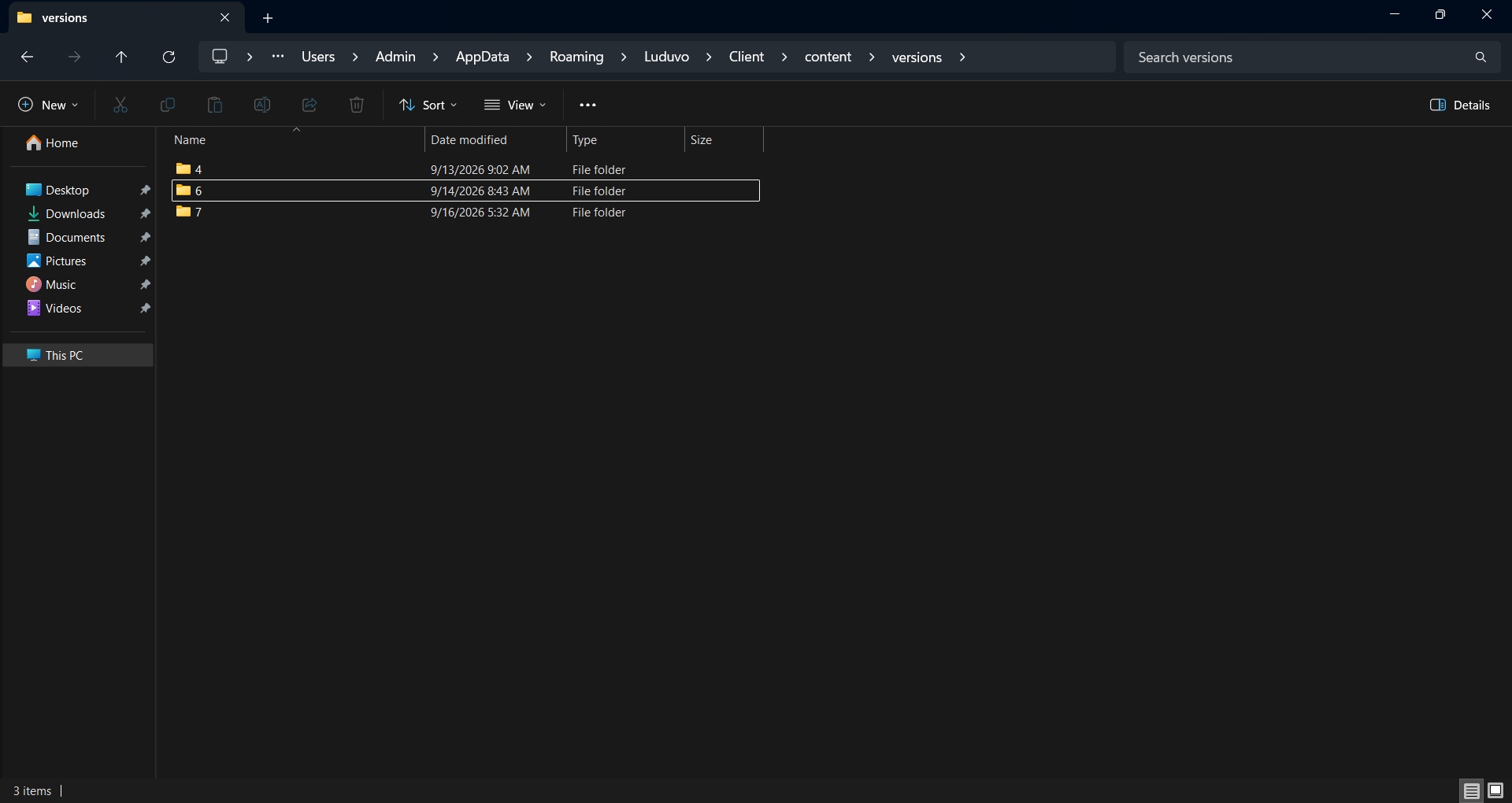
In C:\Users\xCE\x9C\xCE\x91\xCE\xA1\xCE\x99\xCE\x9D\xCE\x91\AppData\Roaming\Luduvo\Client\content\versions – Delete the folder 6 and create a new one inside, with the same name. Relaunch a game again. If it doesn’t work, I have another solution.
Starte
September 16, 2026, 10:48am
14
I sent an image but need to approval.
Starte
September 16, 2026, 12:03pm
17
Do a refresh install of Luduvo, if it still doesn’t work. It’s because your username you using is in Greek characters.
Starte
September 16, 2026, 12:33pm
20
In your File Explorer, ‘This PC’ section, click Windows-SDD (C:). There create a folder, name it ‘LuduvoData’.
Make a new shortcut on your Desktop screen, put this inside:
cmd /c “set APPDATA=C:\LuduvoData && start “” “C:\Users\xCE\x9C\xCE\x91\xCE\xA1\xCE\x99\xCE\x9D\xCE\x91\AppData\Local\Luduvo\Luduvo.exe””
Name the Shortcut ‘Luduvo fixed’ – Launch from this shortcut.
Starte
September 16, 2026, 5:17pm
22
Okay, okay..
Go to Control Panel → Clock and Region → Region → Administrative tab → Change system locale.
Put it to Greek (Greece), and check the box ‘Beta: Use Unicode UTF-8 for worldwide language support’ on.
(No risk, you can change it again to default.)
Click O.K and Restart now – Relaunch Luduvo again.